Verification Сodes
Gumroad Integration
Sell packages through the Gumroad platform
If you sell products on Gumroad and want them to automatically generate purchase codes, follow the instructions below.
How to Integrate
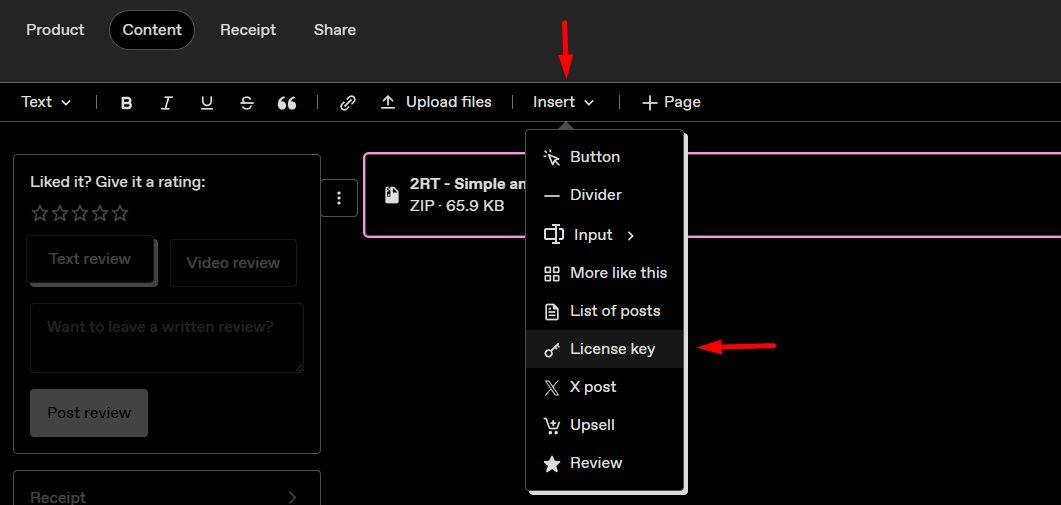
Go to your product on Gumroad, open the Content tab.
If you have not yet created a license key, click Insert -> License Key.
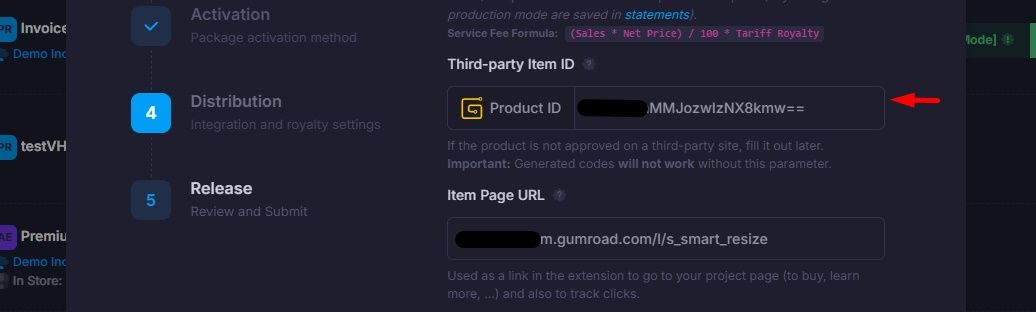
Expand the section and find Product ID.

When creating a package in the admin panel, or after, specify the Product ID in the required field.
Once you save settings, each purchase on Gumroad will generate a purchase code that can be used to activate the package.
This action is required for each new product - the keys will be different.
Get a purchase code
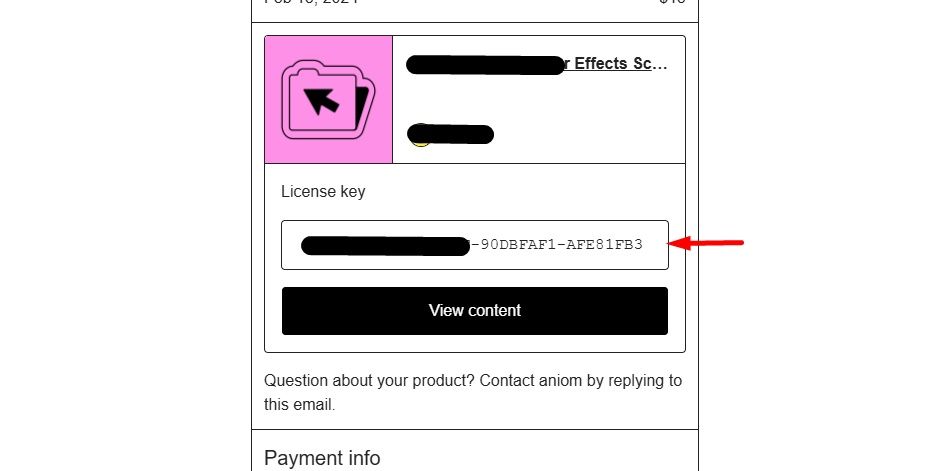
The purchase code will be shown to the user upon purchase and also sent to their email.