
Stylization
Header Image
Each package can have its own image for header; that makes the visual style more unique.
You can use an image of any size of format .PNG
The image is automatically aligned left-center.
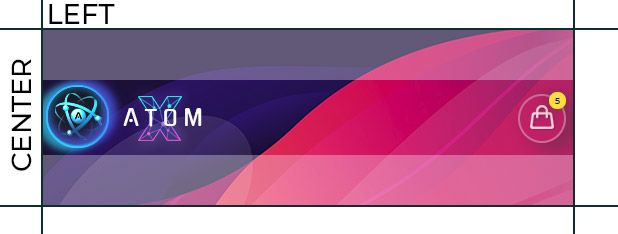
Color of a background filling
An image of any size including a small one) can be extended by a color of background filling.
To the left - a small image, to the right - a filling color.

Add a gradient mask to your image to create a transition into a color of a common filling (to make the image proceed with the help of the color, not expanding beyond the header).
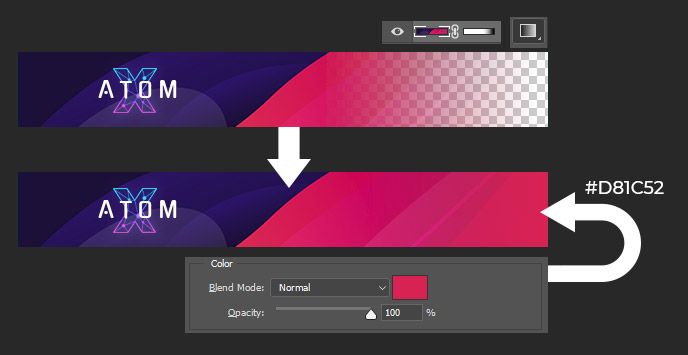
Copy HEX (in our example it's #D81C52) of the filing color and add into HEX to header_color_hex block.
"stylization": {
    "header_color_hex": "#D81C52"
}
{
    "settings": {
      "main": {...},
      "inside_option_sets": {...},
      "stylization": {
          "header_color_hex": "#021523",
      }
    },
    "structure": {...}
}
Displaying an image in test mode
You can see how the package image will look like before the compilation.
Just place the header image near your package file (.ATOM), set name as custom_header_name, with image format .PNG
├── Package Folder/
│   ├── Package File.atom
│   │── custom_header_name.png
For information on how to start testing mode, see here.