
Compilation & Release
Once you have created and tested your package, you can compile it to release.
Compilation
Register or log in to our Admin Panel and go to Compilation section.
Add your package file and you will see the information embedded in the package, you can edit it before compilation.
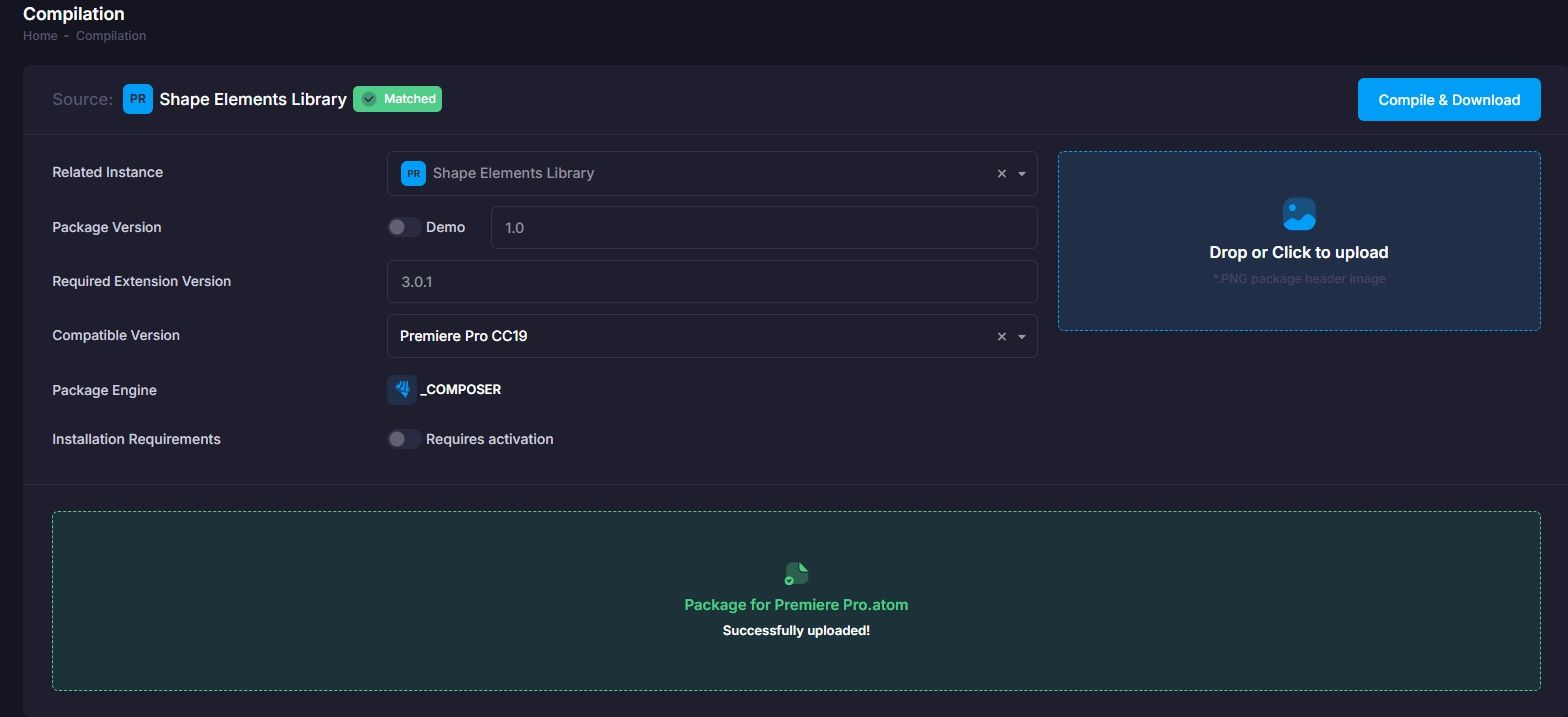
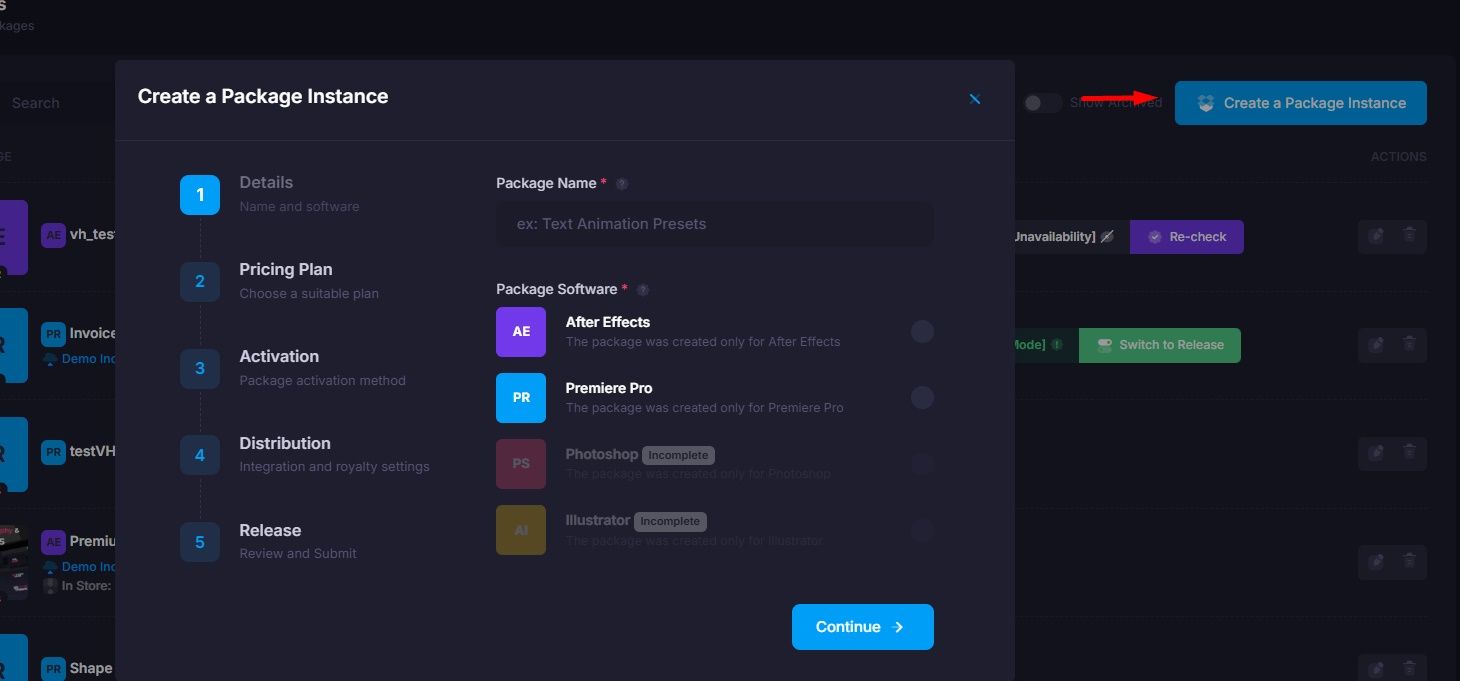
The package will be associated with a Package Instance, if it has not yet been created, create it.
Add your package header (it will be embedded into the compiled file) and click the button to compile.
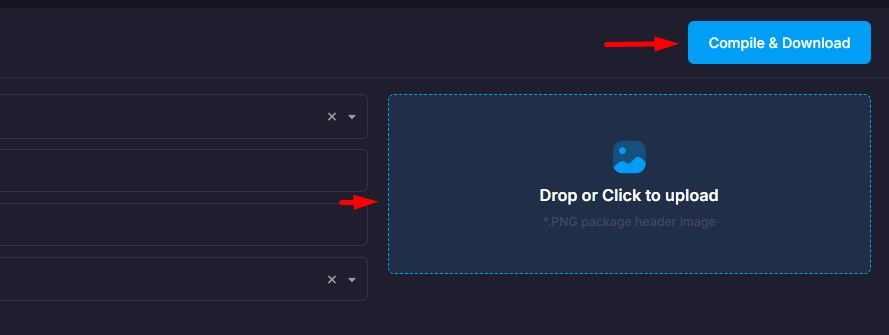
After which you will receive an encrypted package file - this is the compilation (we encrypt the package structures and its main data to protect it from changes).
The compiled package, along with all your files (Preview Assets / Project Files), can now be sold / tested / distributed to anyone - it is linked to our server.
Since the package is linked, you can change the links inside the extension for your package (where the author link leads / any internal links of the extension). You can also track package downloads / installations and other analytical data through the admin panel.
Release
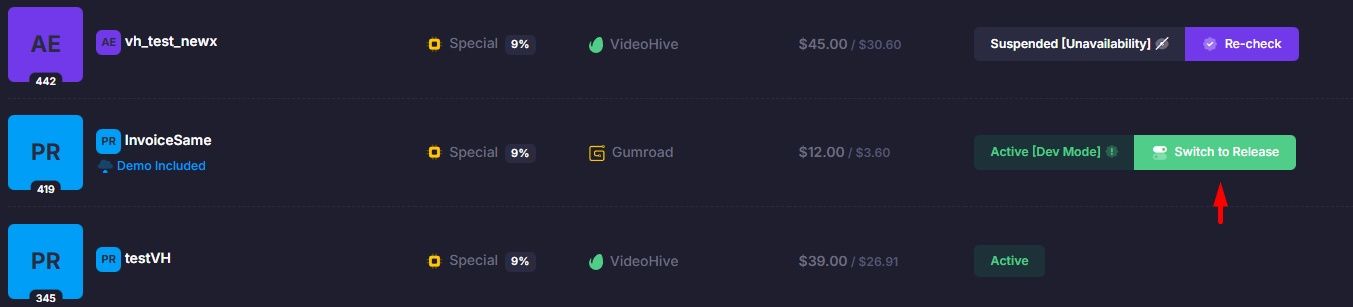
The package is fully functional after compilation — this is its final version. However, it only has 50 activations available for tests. To release the package (remove this limitation), you must switch it to Release mode on the Package Instances page in the admin panel.
After this, the limits will be removed and the calculation will begin (the percentage for using our service will begin to be calculated). Invoices will be issued automatically on the 1st of each month.
To use activation codes (if this option is enabled), please go to the Verification Codes section.